License verification has become a daily necessity in Pakistan—whether you’re stopped at a traffic checkpoint, applying for a job, or checking fines issued through PSCA e-challan cameras. Over the last few years, I’ve personally used online driving license check tools multiple times in cities like Lahore, Faisalabad, and Multan, and the process is far easier than most people think.
In this detailed guide, I’ll share real experiences, step-by-step methods, and verified sources to help you with driving license verification, DLIMS online check, license tracking, and how all of this connects with PSCA e-challan systems.
Overview: What Is License Verification and Why It Matters
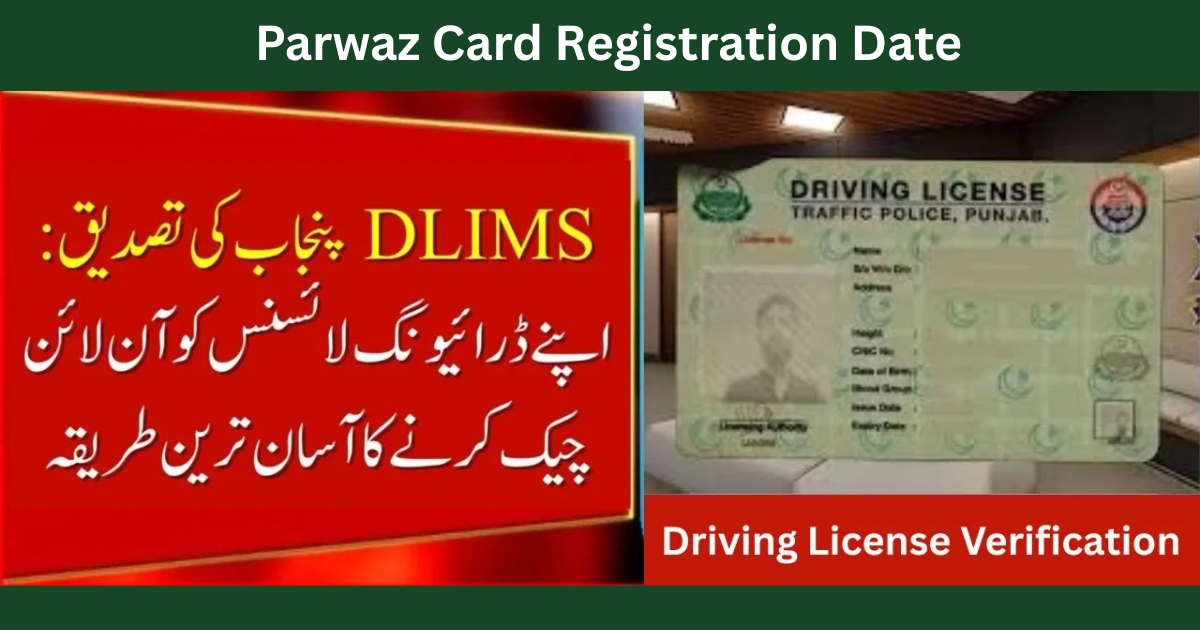
License verification is the official process of confirming whether a driving license or professional license is valid, active, and registered in a government database. In Punjab, this is managed mainly through DLIMS (Driving License Issuance Management System).
From my own experience, verifying your license early saves you from:
- Unexpected fines
- Job rejections
- Issues during traffic stops
- Problems with PSCA e-challan payments
Many people search for license verification near Faisalabad or license verification near Multan, but the truth is you no longer need to visit an office physically.
Importance of Online Driving License Verification in Punjab
With traffic cameras issuing automatic challans, online driving license check Punjab has become essential. I personally discovered an unpaid challan only after checking my license status online.
Key benefits include:
- Instant driving license verification
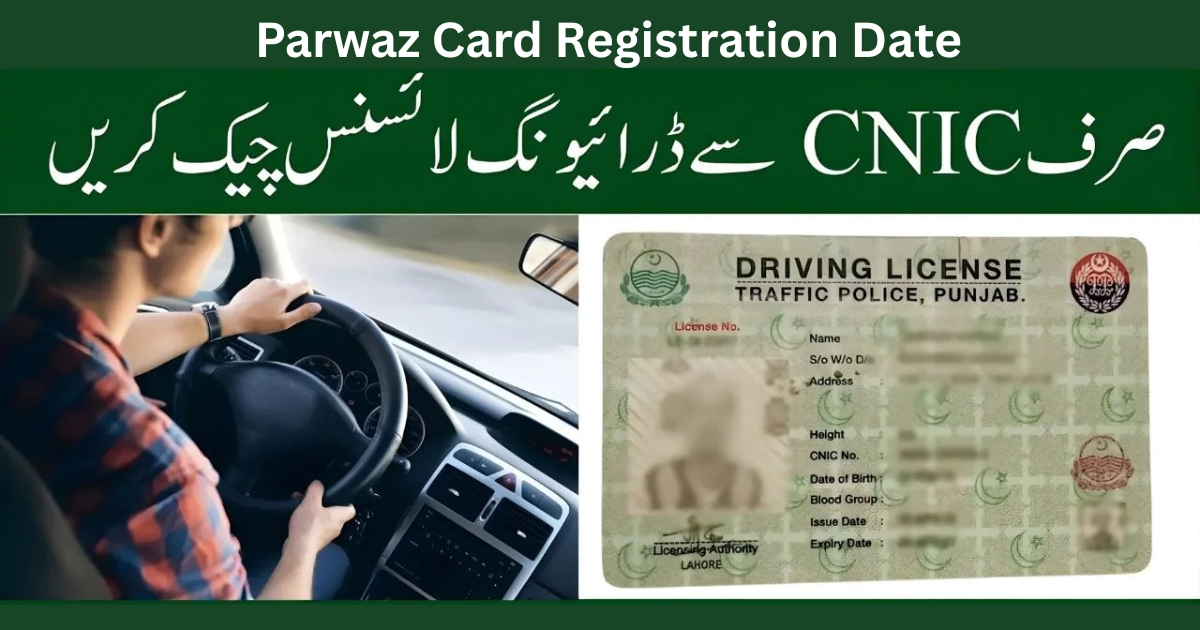
- Easy online driving license check by CNIC
- Accurate driving license tracking
- Direct integration with PSCA e-challan records
You can also explore detailed PSCA systems here:
https://echallansafecity.com/
How to Do Online Driving License Check by CNIC (Step-by-Step)
Based on my own use, this is the most reliable method:
Step 1: Visit the Official DLIMS Portal
External verified source:
https://dlims.punjab.gov.pk/verify
Step 2: Enter CNIC or License Number
This works for:
- Punjab driving licence check online
- DLIMS online check
- Online driving license check Punjab
Step 3: View License Status
You’ll instantly see:
- Issue date
- Expiry date
- Validity
- License category
This method also helps with license tracking and driving license tracking if your card is under process.
DLIMS Online Check & DLIMS Tracking
When I renewed my license, the physical card took time. Using DLIMS tracking, I could check updates daily without visiting the office.
Helpful DLIMS guides:
- https://echallansafecity.com/2025/12/dlims/
- https://echallansafecity.com/2025/12/dlims-tracking/
- https://echallansafecity.com/2025/12/dlims-punjab/
This system is especially useful if you live outside Lahore and rely on online driving license check instead of in-person visits.
License Verification Near Faisalabad & Multan (Ground Reality)
Many people still ask for license verification near Faisalabad or license verification near Multan. From what I’ve seen:
- Physical offices are crowded
- Online systems are faster
- Data is updated in real time
Unless there’s a biometric issue, driving license verification online is the best option.
PSCA E-Challan, License Verification & Traffic Cameras
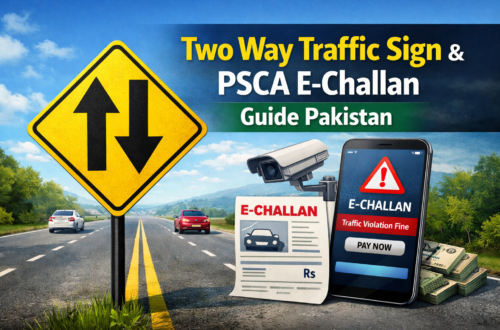
Your license data is directly linked with PSCA e-challan systems. I once received a challan issued automatically by traffic cameras and verified it online within minutes.
Useful PSCA resources:
- https://echallansafecity.com/e-challan-check-online-psca-verification-2026/
- https://echallansafecity.com/psca-e-challan-online/
- https://echallansafecity.com/2025/12/traffic-cameras-automatically-issue-e-challans/
- https://echallansafecity.com/2025/12/e-challan-lahore/
Complete guides:
- https://echallansafecity.com/e-challan-guide-blogs/
- https://echallansafecity.com/2025/12/how-to-check-e-challan/
Other License Verification Keywords You May See Online
You might also encounter global searches like:
- osbn license verification
- ms medical license verification
- ky rn license verification
- fl board of nursing license verification
- indiana nursing license verification
- txbon license verification
- arrt license verification
These relate to international professional license verification systems and are different from Pakistan’s DLIMS model. I’ve researched them briefly, but for Pakistani drivers, online driving license check via DLIMS is the correct route.
Common Problems & Practical Tips (From Experience)
- CNIC mismatch? Recheck spacing
- License not showing? Wait 24–48 hours after issuance
- Card delayed? Use driving license tracking
- Challan confusion? Verify through PSCA portals
Additional helpful links:
- https://echallansafecity.com/2025/12/e-challan-sms/
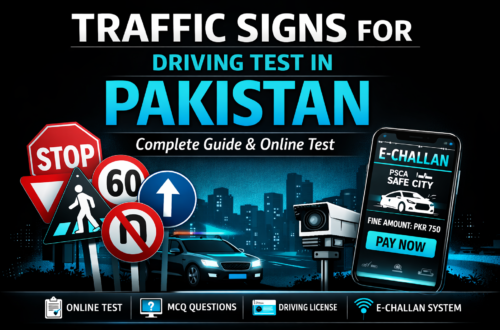
- https://echallansafecity.com/2025/12/traffic-signs-test/
- https://echallansafecity.com/2026/01/parwaz-card/
FAQs About License Verification
Can I do online driving license check by CNIC?
Yes, it’s the easiest and most reliable method in Punjab.
Is DLIMS online check accurate?
From my experience, it reflects real-time government data.
Does license verification affect PSCA e-challan?
Yes. Invalid or expired licenses can trigger higher penalties.
Conclusion
License verification is no longer optional—it’s essential for every driver in Punjab. Whether you need online driving license check, DLIMS online check, or driving license tracking, the official systems are reliable, fast, and easy to use.
From personal experience, staying updated through online driving license check Punjab and regularly verifying PSCA e-challan records saves time, money, and stress. If you haven’t checked your license yet, now is the right time to do it.