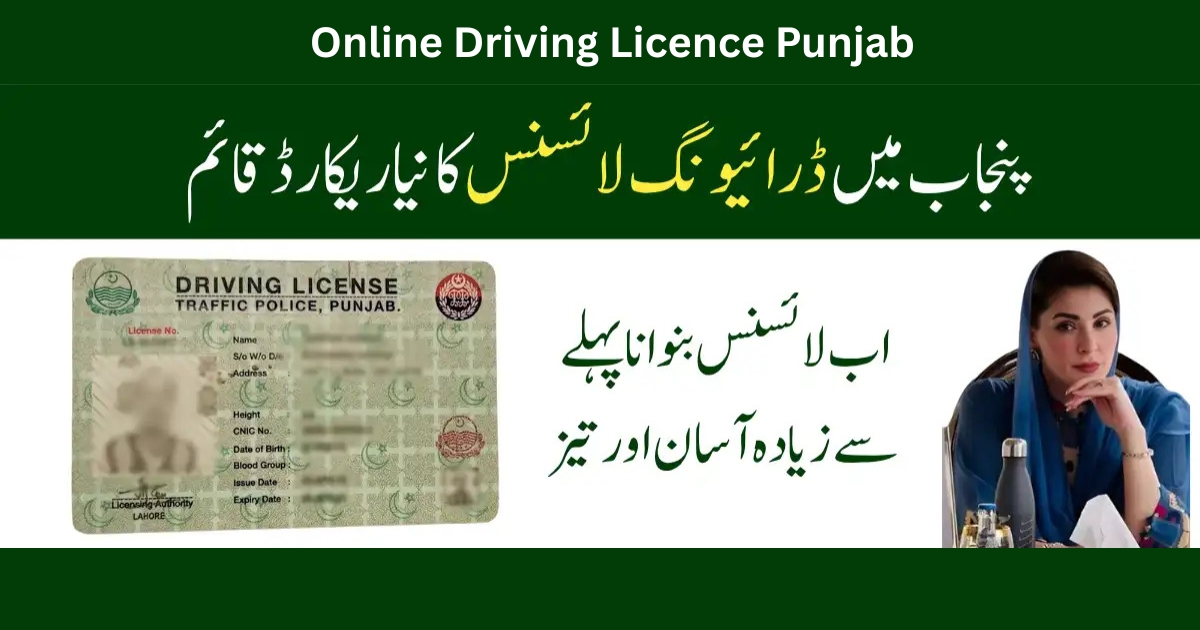
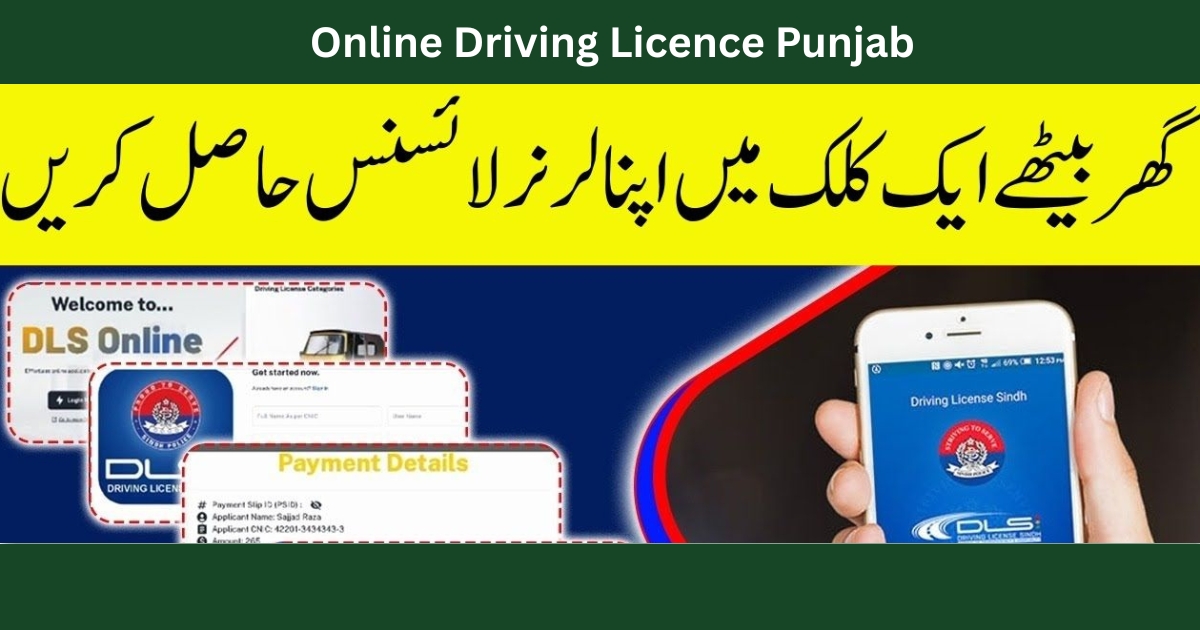
Getting a driving licence in Punjab used to mean long queues, repeated visits to traffic offices, and wasted time. I’ve personally gone through both the offline and online driving licence Punjab process, and honestly, the digital system has made life much easier—if you follow the right steps.
In this detailed guide, I’ll share real experiences, official methods, and clear steps to help you apply, check, download, verify, renew, or duplicate your driving licence using DLIMS Punjab—without confusion.
Overview of Online Driving Licence Punjab System
The Punjab government introduced the DLIMS (Driving License Issuance Management System) to streamline services such as:
- Online driving licence apply Punjab
- Online driving licence Punjab check by CNIC
- Online driving licence Punjab download PDF
- Online renewal of driving licence Punjab Pakistan
- Online learner driving licence Punjab
- Online duplicate driving licence Punjab
All of this is managed through the official DLIMS portal.
👉 Official portal:
https://dlims.punjab.gov.pk/register
What Is DLIMS in Punjab?
DLIMS Punjab is an official digital platform that allows citizens to:
- Apply online driving licence Punjab Pakistan
- Perform Punjab driving licence check online
- Download e-license Punjab online
- Verify LTV licence check online Punjab
- Track licence delivery status
From my experience, DLIMS works smoothly if your CNIC data is correct and NADRA-verified.
How to Apply for a Driving Licence Online in Punjab?
Step-by-Step: Online Driving Licence Punjab Apply
- Visit the DLIMS portal
- Register using your CNIC & mobile number
- Apply for online learner driving licence Punjab
- Select licence type (Motorcycle / Car / LTV)
- Book a driving test slot
- Pass the traffic signs test
- Appear for the road test
- Licence issued & delivered
This method fully supports apply online driving licence Punjab Pakistan and saves multiple office visits.
How Do I Get an Online Licence in Punjab? (My Experience)
When I applied, I first obtained my online learning driving licence Punjab. The learner licence was generated within minutes after fee payment. After 42 days, I booked the driving test online, passed it, and my licence status appeared in DLIMS tracking.
Honestly, the system is efficient—but many people fail because they skip the traffic signs test preparation.
👉 Helpful resource:
https://echallansafecity.com/2025/12/traffic-signs-test/
Punjab Driving Licence Check Online CNIC
You can easily perform online driving license check Punjab using CNIC.
Steps:
- Open DLIMS
- Click “DLIMS Online Check”
- Enter CNIC
- View licence status
This works for:
- Punjab driving licence check online
- Online checking driving licence Punjab
- Check online driving licence Punjab Pakistan
Online Driving Licence Punjab Download PDF
Once approved, you can:
- Download e license Punjab PDF
- Online driving licence Punjab download
- Online driving licence Punjab download PDF Pakistan
How to Download:
- Visit DLIMS
- Enter CNIC
- Click “Download E-License”
- Save PDF to mobile or print
This PDF is legally accepted during traffic stops.
Online Driving Licence Punjab Verification
For authenticity checks, DLIMS allows:
- Online driving licence Punjab verification
- Online driving licence Punjab check by CNIC
Traffic police and employers often use this feature.
Online Driving Licence Punjab Renewal
If your licence is expired, you can use online renew driving licence Punjab services.
Renewal Process:
- Login to DLIMS
- Select “Renew Licence”
- Upload medical certificate (if required)
- Pay fee
- Track status
This covers online renewal of driving licence Punjab Pakistan without office visits.
Online Duplicate Driving Licence Punjab (Lost Licence)
If your licence is lost:
- Register online FIR for lost driving licence Punjab
- Apply for duplicate licence via DLIMS
- Pay fee
- Download temporary e-license
LTV Licence Check Online Punjab
For commercial drivers, LTV licence check online Punjab is available through the same CNIC-based system.
Important Link Between Driving Licence & PSCA E-Challan
From my experience, e-challans are directly linked to your driving licence record. If your licence is expired or unverified, fines increase.
Helpful internal resources:
- https://echallansafecity.com/e-challan-check-online-psca-verification-2026/
- https://echallansafecity.com/psca-e-challan-punjab-online-check-payment-2026/
- https://echallansafecity.com/2025/12/e-challan-punjab/
- https://echallansafecity.com/2025/12/psca-e-challan-in-punjab/
- https://echallansafecity.com/2025/12/e-challan-lahore/
Always keep your online driving licence Punjab Pakistan active to avoid penalties.
FAQs – Online Driving Licence Punjab
How to apply for a Pakistani driving licence online?
Use DLIMS Punjab, apply for learner licence, pass tests, and get your e-license.
What is DLMS in Punjab?
DLIMS is the official Driving License Issuance Management System.
How to check online driving licence Punjab?
Enter CNIC on DLIMS portal.
Is e-license valid in Punjab?
Yes, the online driving licence Punjab download PDF is legally accepted.
Final Thoughts
The online driving licence Punjab system is reliable, transparent, and time-saving—if you follow steps correctly. Most problems people face come from incomplete documents or ignoring DLIMS instructions.
If you:
- Apply online driving licence Punjab
- Regularly check licence status
- Download and keep your e-license PDF
- Stay updated with PSCA e-challan rules
You’ll avoid unnecessary fines and stress.
👉 Start here:
https://dlims.punjab.gov.pk/register
If you want, I can also write step-by-step guides for learner licence tests, LTV upgrades, or PSCA challan disputes.