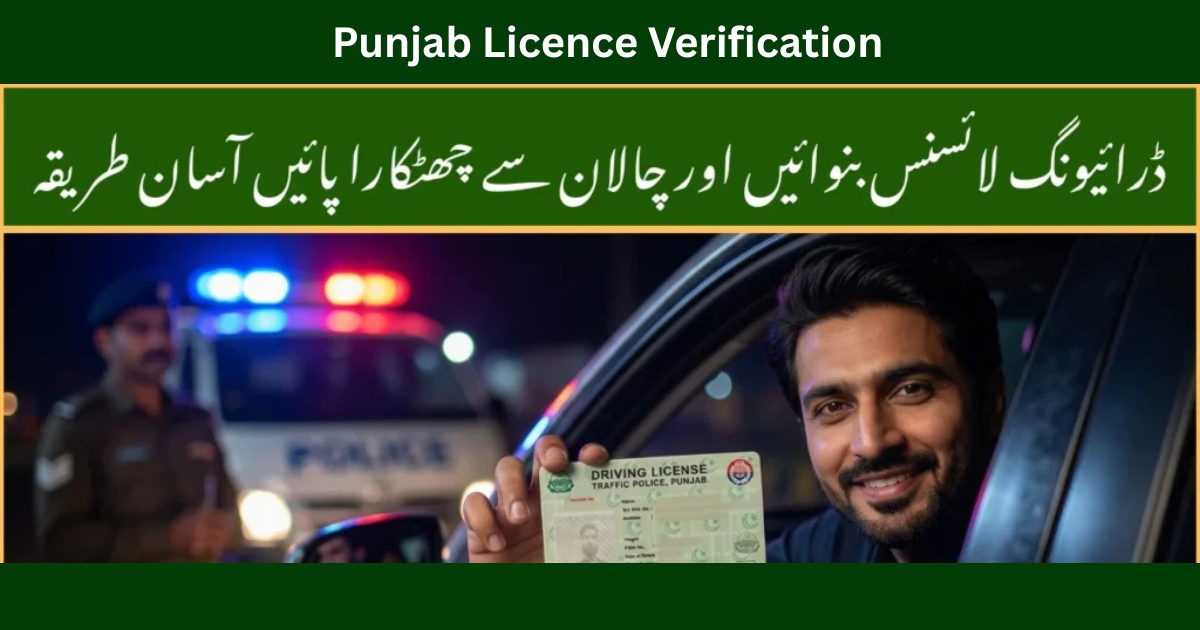
If you’re living in Punjab and driving daily like I do, one thing you must stay updated on is Punjab licence verification. I personally went through the whole DLIMS system to verify my license, download my e‑license, and even check my LTV licence status online. In this detailed guide, I’m sharing my real experience, exact steps, and trusted official links so you don’t waste time or fall for fake portals.
What Is DLIMS Punjab?
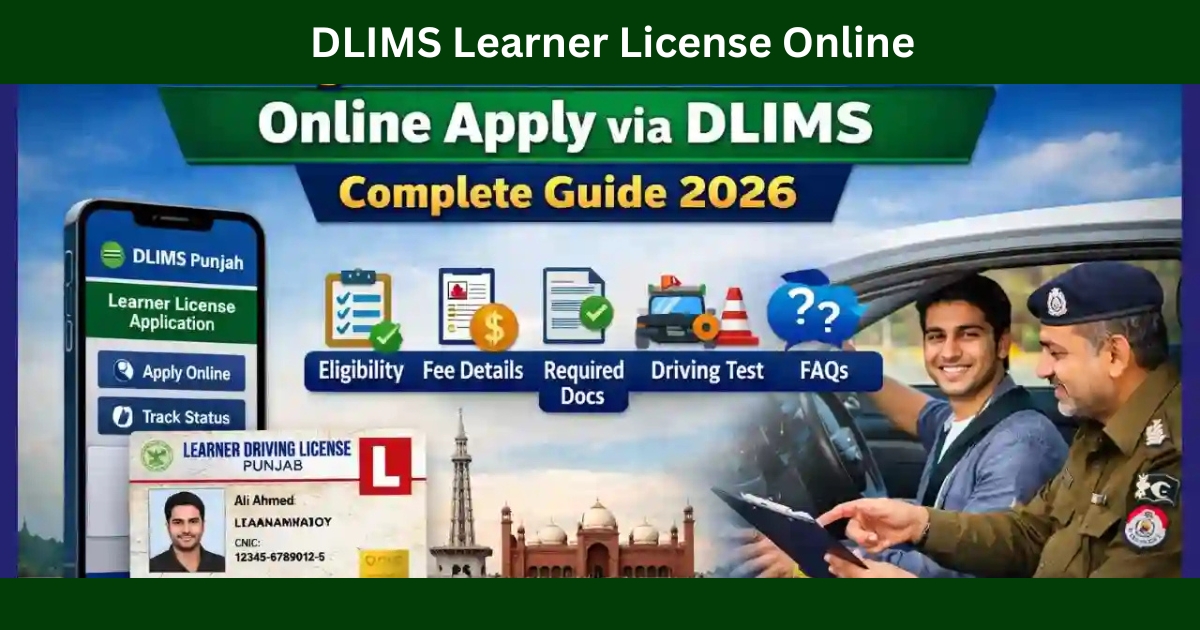
DLIMS Punjab (Driving License Issuance Management System) is the official online system by the Punjab government for:
- Online driving license check
- E‑license Punjab online
- Dlims online check
- License tracking
- Duplicate license download
- LTV licence check online Punjab
Many people confuse DLMS in Punjab with DLIMS. To clarify:
What is DLMS in Punjab?
It’s actually a common typo. The correct system name is DLIMS Punjab.
What is DLIMS Punjab?
It’s the official portal where all driving license data of Punjab is stored and verified.
Official Portal:
👉 https://dlims.punjab.gov.pk/register
Why Punjab Licence Verification Matters
From my experience, licence verification helps you:
- Prove your license is genuine
- Avoid police fines
- Use your e‑license on mobile
- Track delivery status
- Download a PDF license
It also helps when dealing with:
- PSCA e‑challans
- Traffic police verifications
- Insurance claims
Helpful PSCA resources:
- https://echallansafecity.com/
- https://echallansafecity.com/e-challan-guide-blogs/
- https://echallansafecity.com/psca-e-challan-online/
Punjab Licence Verification Near Lahore & Islamabad
People often search:
- Punjab licence verification near Lahore
- Punjab licence verification near Islamabad
From my own visit experience, you can verify at:
- Lahore Traffic Police Khidmat Centers
- Liberty Market Traffic Office
- DHA Phase 8 License Branch
- Islamabad I-10 License Center (for Punjab-issued licenses)
But honestly, the online method is faster and stress‑free.
How Can I Check My Driving License by CNIC in Punjab?
This is the exact method I used:
Step‑by‑Step (DLIMS Online Check)
- Open DLIMS portal
- Click “Verify License”
- Enter your CNIC number
- Click Search
Your license details will appear instantly.
This works for:
- Online driving licence Punjab download
- Dlims Punjab verification
- LTV licence check online
How to Download a PDF License (E‑License Punjab Online)
When I lost my physical card, I used this method:
- Go to DLIMS portal
- Login using CNIC + SMS code
- Click “Download e‑License”
- Save PDF
Now I keep this PDF on my phone and Google Drive.
LTV Licence Check Online Punjab
If you drive commercial vehicles:
- Go to DLIMS
- Select “Verify License”
- Enter CNIC
- Check category = LTV
This saved me from a heavy fine during a motorway stop.
DLIMS Tracking – How I Tracked My Card
When my card delivery got late:
- Open tracking page
- Enter CNIC
- View status
Tracking links:
- https://echallansafecity.com/2025/12/dlims/
- https://echallansafecity.com/2025/12/dlims-tracking/
- https://echallansafecity.com/2025/12/dlims-punjab/
PSCA E‑Challan + DLIMS (My Real Experience)
Once I received an e‑challan and had to verify my license record:
Useful links:
- https://echallansafecity.com/e-challan-check-online-psca-verification-2026/
- https://echallansafecity.com/psca-e-challan-punjab-online-check-payment-2026/
- https://echallansafecity.com/2025/12/psca-e-challan/
- https://echallansafecity.com/2025/12/safecity-challan/
- https://echallansafecity.com/2025/12/e-challan-punjab/
- https://echallansafecity.com/2025/12/e-challan-lahore/
This helped me clear my fine without visiting any office.
Other Helpful Punjab Online Services
- https://echallansafecity.com/2025/12/e-challan-sms/
- https://echallansafecity.com/2025/12/traffic-signs-test/
- https://echallansafecity.com/2025/12/how-to-check-e-challan/
- https://echallansafecity.com/2025/12/traffic-cameras-automatically-issue-e-challans/
FAQs
What is DLIMS Punjab?
It’s the official driving license system for Punjab.
What is DLMS in Punjab?
A wrong spelling. The correct name is DLIMS.
How can I check my driving license by CNIC in Punjab?
Use the DLIMS verification page and enter CNIC.
How do I download a PDF license?
Login to DLIMS and click “Download e‑License.”
Final Thoughts
I’ve personally used Punjab licence verification, dlims online check, and e‑license Punjab online multiple times. It’s reliable, fast, and saves huge effort.
If you drive in Punjab, bookmark DLIMS and stay updated.
For more traffic and e‑challan updates: