Getting your e driving licence Punjab from a mobile phone has become one of the most convenient services launched by the Punjab government. I personally generated my e license Punjab without visiting any office, and honestly, the process was much easier than I expected. In this detailed guide, I’ll share real steps, my experience, and practical tips so you can do it smoothly without confusion.
This article covers everything—from DLIMS, e license Punjab online verification, online driving license check by CNIC, to downloading your e license Punjab PDF.
What Is an E Driving License in Punjab?
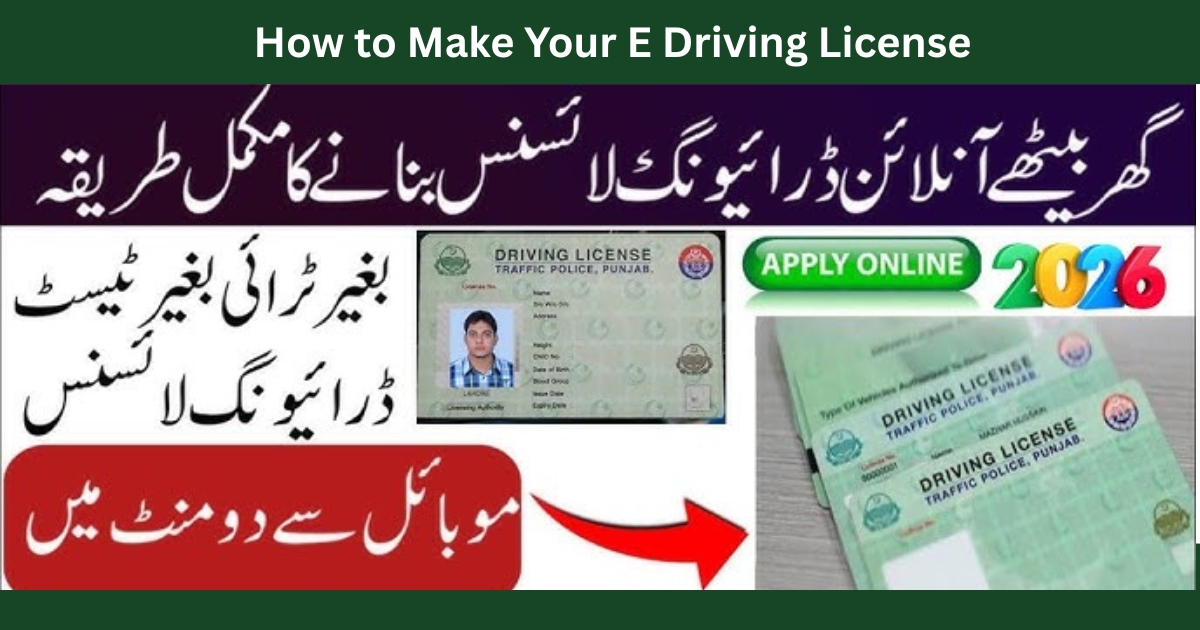
An e driving licence Punjab is a digitally verified driving license issued through the DLIMS (Driving License Issuance Management System). It works as a legal alternative to your physical license and is officially accepted by traffic police and authorities.
You can:
- Generate it online
- Download it on your mobile
- Verify it instantly
- Use it during traffic checks
I’ve personally used my e driving licence check screen during a routine stop, and it was accepted without any issue.
Why E License Punjab Is Important in 2026
The Punjab Safe City Authority (PSCA) and traffic police now rely heavily on digital verification. Having an e license Punjab download helps you:
- Avoid fines during traffic stops
- Prove license validity instantly
- Link your record with PSCA e challan systems
- Save time and avoid office visits
If you’re dealing with traffic fines, I recommend checking related guides like:
- https://echallansafecity.com/e-challan-check-online-psca-verification-2026/
- https://echallansafecity.com/psca-e-challan-punjab-online-check-payment-2026/
These platforms work together with DLIMS data.
What Is DLIMS and Why It Matters?
DLIMS is the official Punjab Traffic Police system that manages:
- License issuance
- Renewals
- Verifications
- Tracking
Your online driving license check and e license Punjab online verification are all handled through DLIMS.
Helpful DLIMS-related guides:
- https://echallansafecity.com/2025/12/dlims/
- https://echallansafecity.com/2025/12/dlims-tracking/
- https://echallansafecity.com/2025/12/dlims-punjab/
How to Generate an E-License from Mobile Phone (Step-by-Step)
Here’s exactly how I generated my e license Punjab download PDF using my mobile phone.
Step 1: Open Official DLIMS E-License Portal
Visit the official website:
👉 https://dlims.punjab.gov.pk/elicense
This is the only authentic source for e license Punjab online verification.
Step 2: Enter Your CNIC Details
- Enter your CNIC number (without dashes)
- Enter your date of birth
This step is the same for online driving license check by CNIC.
Step 3: Verify License Record
Once submitted, DLIMS shows:
- Your name
- License number
- License status
This is your online driving license check confirmation.
Step 4: Download E License PDF
Click on Download E-License
Your e license Punjab download PDF will be generated instantly.
I saved mine on my phone and also kept a screenshot—very useful during travel.
How to Apply for an Online Licence in Punjab (New Applicants)
If you don’t already have a license, you’ll first need to apply physically for learner and driving tests. After issuance, e driving licence Punjab becomes available online automatically.
Before applying, I strongly suggest reviewing:
This helped me pass my test confidently.
What Is Form E for Driving Licence?
Form E is a required medical and application form for driving license issuance. It confirms:
- Medical fitness
- Applicant details
You usually submit Form E during your physical application process. Once approved, DLIMS records it digitally.
How to Make an Online Driving Licence in Pakistan?
Currently, complete online issuance isn’t available. However, verification, tracking, and e license Punjab download are fully online.
You can:
- Apply physically
- Track via DLIMS
- Download e-license online
How to Check E Driving Licence Online
For e driving licence check, follow these steps:
- Open DLIMS e-license portal
- Enter CNIC
- Verify details
This method works for online driving license check and online driving license check by CNIC.
Using E License Punjab
I’ve used my e license Punjab multiple times—especially when checking PSCA e challan records. During a routine traffic stop, I simply showed the PDF on my phone. The officer verified it instantly and let me go without any issue.
It also helped me while reviewing my traffic history using:
- https://echallansafecity.com/2025/12/how-to-check-e-challan/
- https://echallansafecity.com/2025/12/e-challan-punjab/
Connection Between E License and PSCA E Challan
Your license data is linked with PSCA systems. If you want deeper insights, explore:
- https://echallansafecity.com/psca-e-challan-online/
- https://echallansafecity.com/2025/12/psca-e-challan/
- https://echallansafecity.com/2025/12/traffic-cameras-automatically-issue-e-challans/
This integration ensures transparency and accountability.
Common Issues & Practical Tips
✔ Always use official DLIMS portal
✔ Keep PDF + screenshot saved
✔ CNIC details must match DLIMS records
✔ Check challans regularly to avoid fines
Helpful resource hub:
Related Government Services You Should Know
While managing my driving documents, I also explored:
- https://echallansafecity.com/2026/01/parwaz-card/
- https://echallansafecity.com/2026/01/parwaz-card-registration-portal/
- https://echallansafecity.com/2026/01/parwaz-card-registration-date/
These portals work on similar verification systems.
FAQs
How to generate an e-license?
Visit DLIMS e-license portal, enter CNIC and DOB, and download instantly.
Is e license Punjab valid everywhere?
Yes, it’s officially recognized across Punjab.
Can I show e license on mobile?
Yes, PDF or screenshot is accepted.
Is there any fee?
No, e license Punjab download is completely free.
Conclusion
If you’re still carrying only a physical license, you’re missing out. The e driving licence Punjab system is fast, reliable, and extremely convenient. From online driving license check by CNIC to e license Punjab online verification, everything works smoothly.
Based on my personal experience, I highly recommend generating your e license Punjab download PDF today—it saves time, avoids stress, and keeps you legally protected on the road.
For complete traffic management and challan awareness, always stay updated through:
👉 https://echallansafecity.com/
Drive safe, stay compliant, and keep your digital documents ready.